Home/Screenshots

Screenshots

The DeusPen iPad app and the Mac companion, as they look today.

These are app screenshots rendered from the apps' own interface code: the iPad screens in Apple's iPad simulator, the Mac screens with the companion's snapshot renderer. Connection readings in them are sample values, not measurements.

iPad
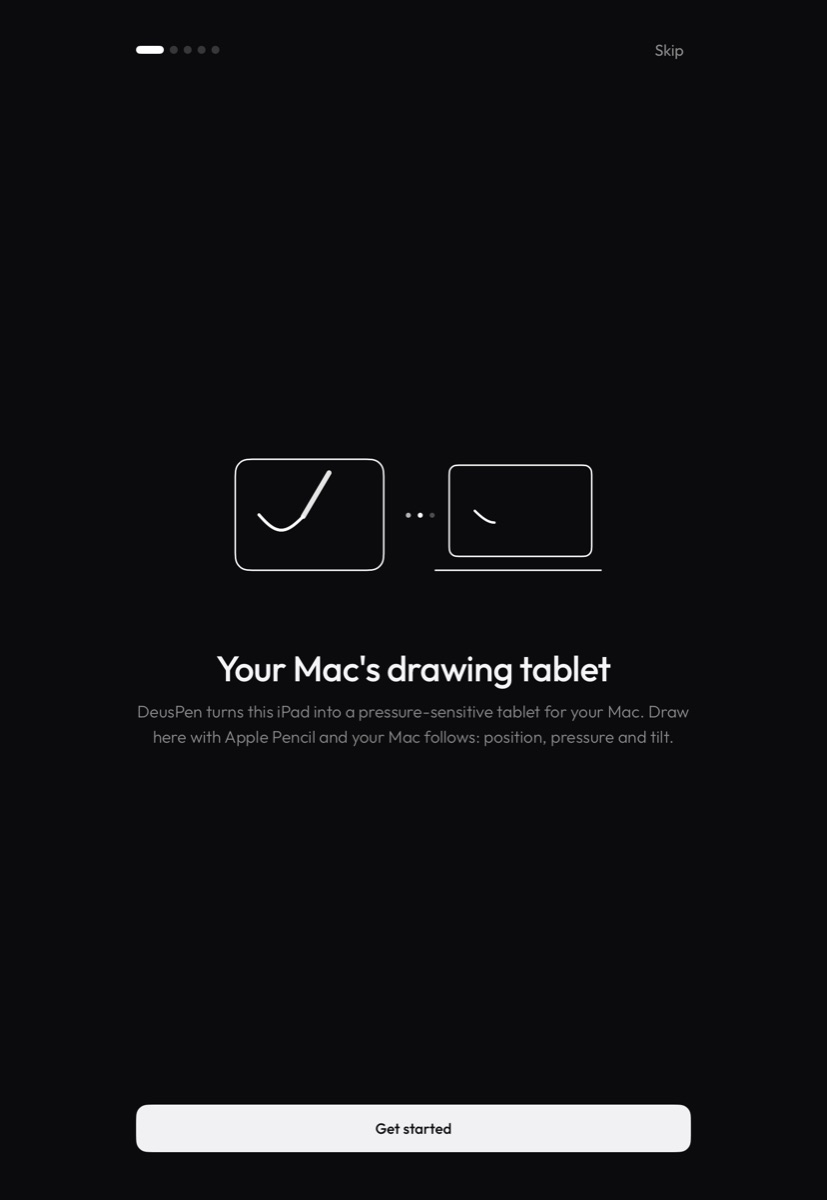
DeusPen welcome screen on iPad: Your Mac's drawing tablet
Welcome. The first page of the welcome tour.
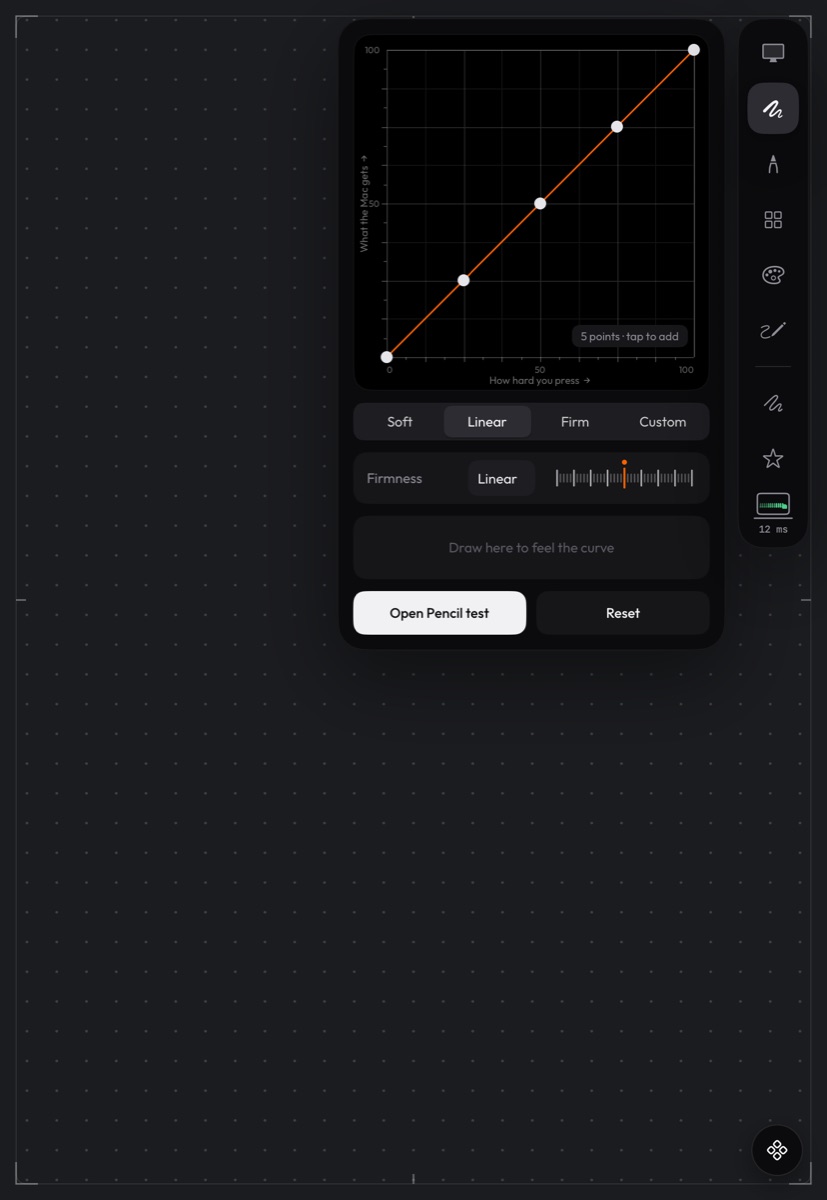
The pressure curve panel on iPad with Soft, Linear, Firm and Custom presets
Pressure. Shape the pressure curve, and draw in the panel to feel it.
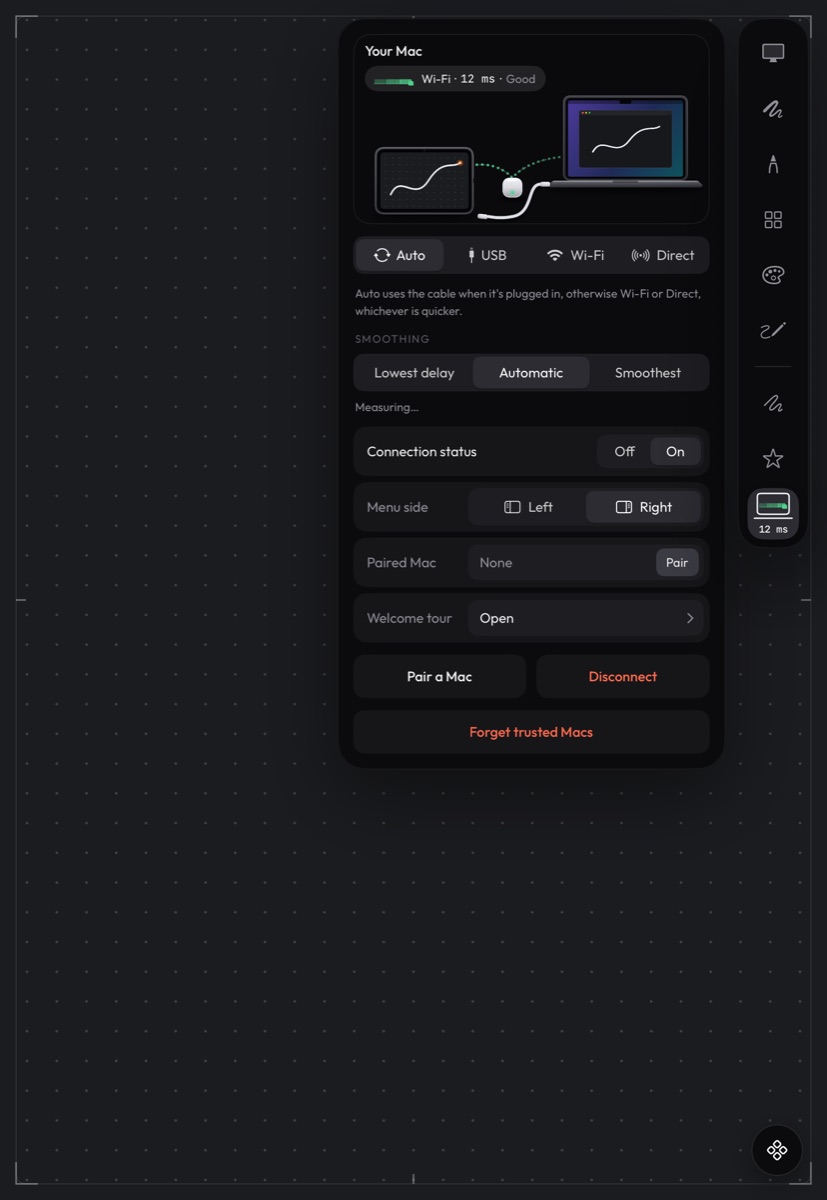
The Mac panel on iPad with connection and Smoothing options
Your Mac. Choose the connection and smoothing, and pair a Mac.

Mac

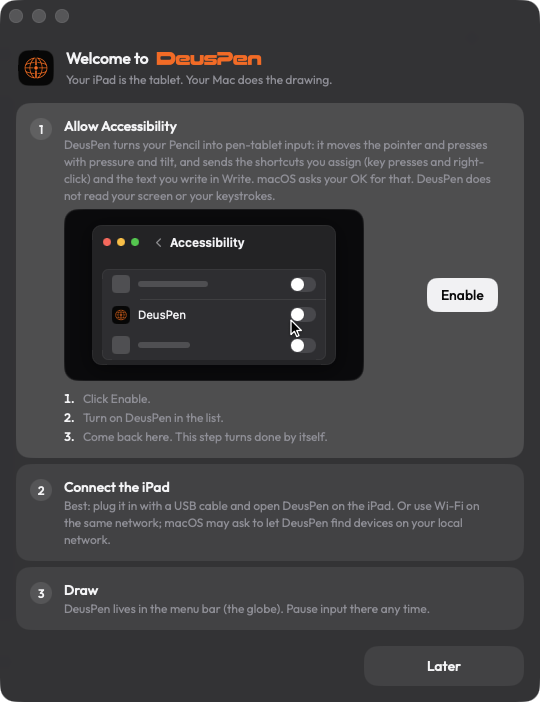
The DeusPen welcome window on Mac, asking to allow Accessibility
Welcome. Three steps: allow Accessibility, connect the iPad, draw.
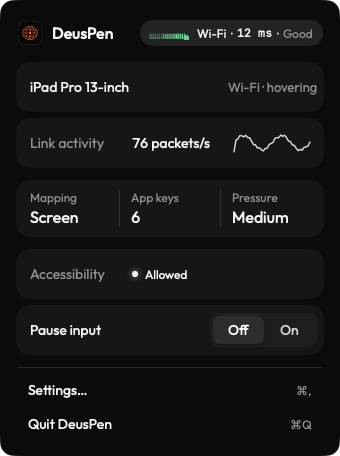
The DeusPen menu bar panel on Mac showing the connected iPad, mapping, app keys, pressure and Accessibility
Menu bar panel. The connected iPad, its settings, and Pause input.
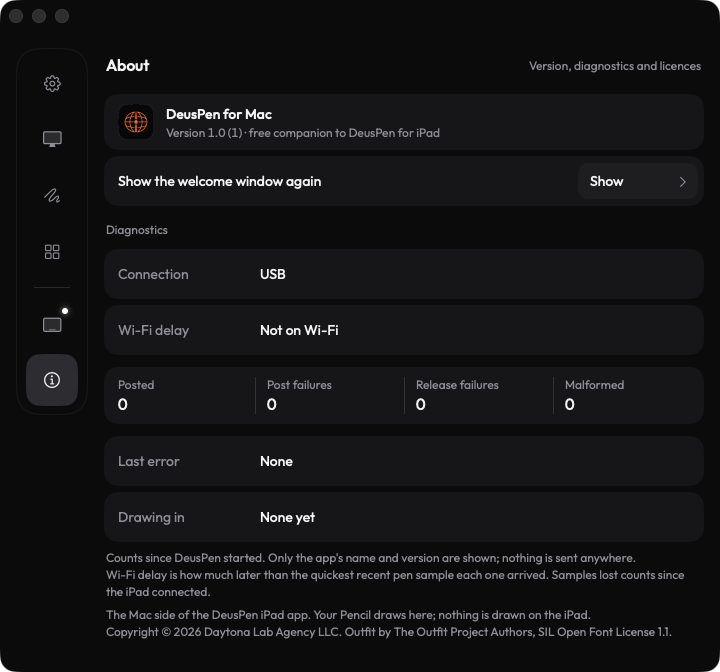
DeusPen for Mac Settings, About, with connection diagnostics
About and diagnostics. Local counts only; nothing is sent anywhere.