The pressure curve
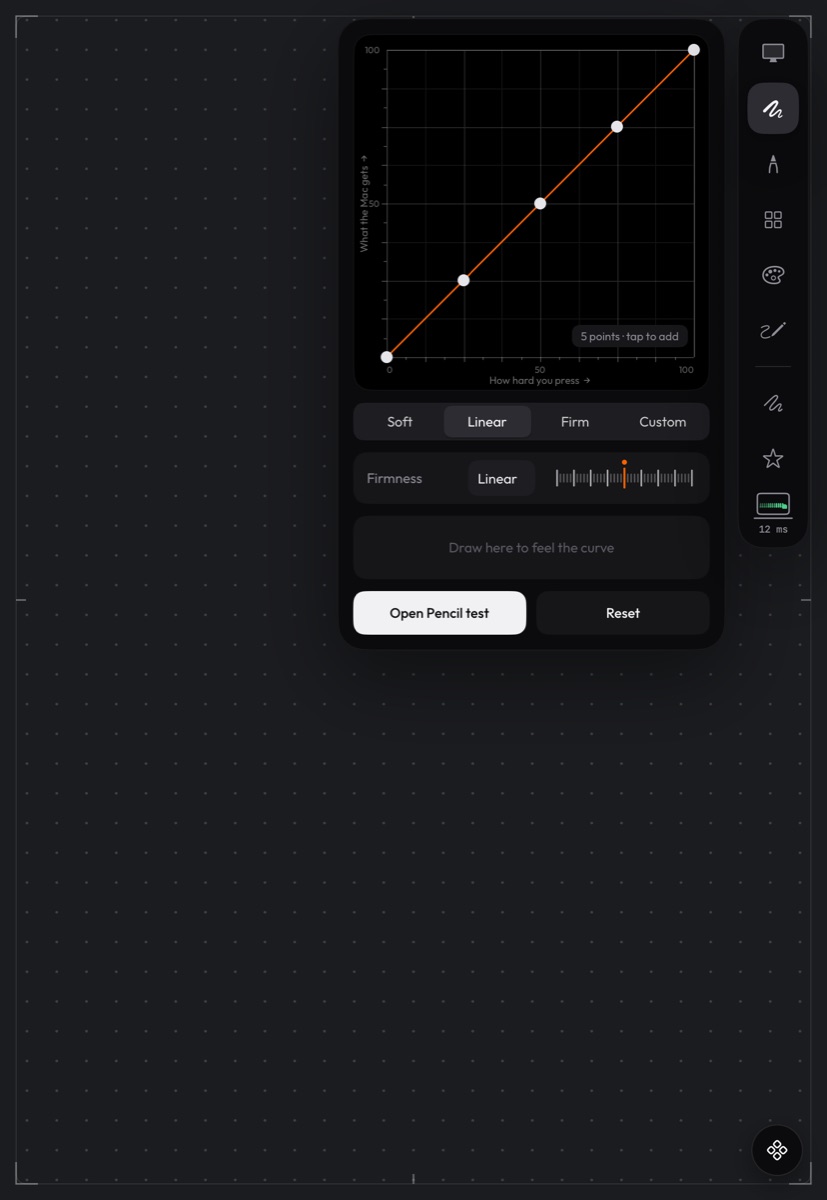
Open the side rail and tap Pressure. Pick Soft, Linear or Firm, or drag the points into your own curve, which shows as Custom. Draw in the panel to feel it before you draw on the Mac. Soft gives more ink for a light touch; Firm needs a heavier hand.
Tilt and hover
Tilt reaches brushes that read it, for shading with the side of the tip. Hovering just above the glass moves the pointer without drawing. Hover needs Apple Pencil Pro, or Apple Pencil (2nd generation) on an iPad Pro with M2.
Squeeze, double-tap and barrel roll
- Squeeze (Apple Pencil Pro) can open the app keys wheel.
- Double-tap and squeeze can each be set in Pencil gestures in the side rail.
- Barrel roll (Apple Pencil Pro) can turn the brush as you roll the Pencil. Turn it on or off in Pencil gestures.
Related
Still stuck? Email support@deuspen.com with your iPad and computer models, the app you draw in, whether you were on the cable or Wi-Fi, and what you expected. The Diagnostics panel in the companion's Settings shows the connection state in words; tell us what it says.